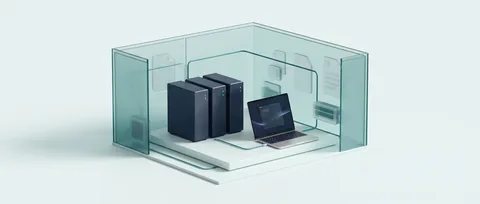
Open your workspace
Sign in to Secure AI Suite and open a new chat. Your administrator must have ShinrAI enabled for this deployment.
Private AI chat, your models and ShinrAI protection in one workspace. Start with the built-in privacy controls.
Use your organization’s Suite address if it runs on your own infrastructure. Access and available controls depend on your deployment.
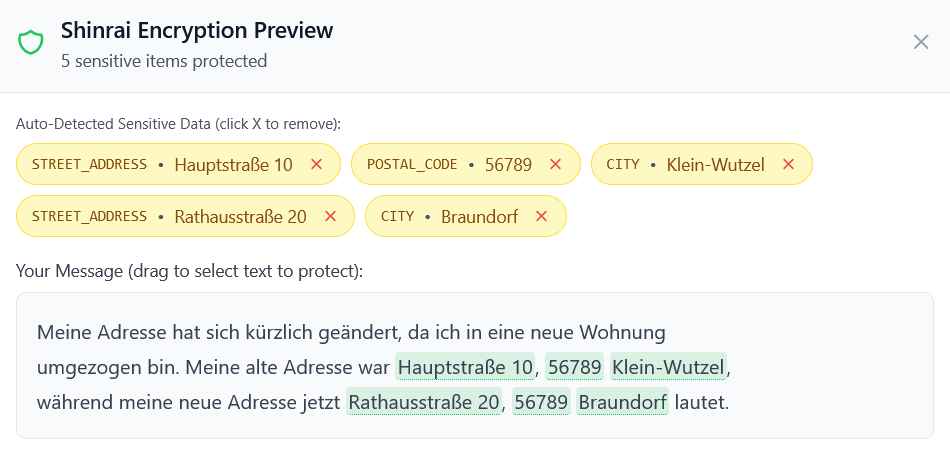
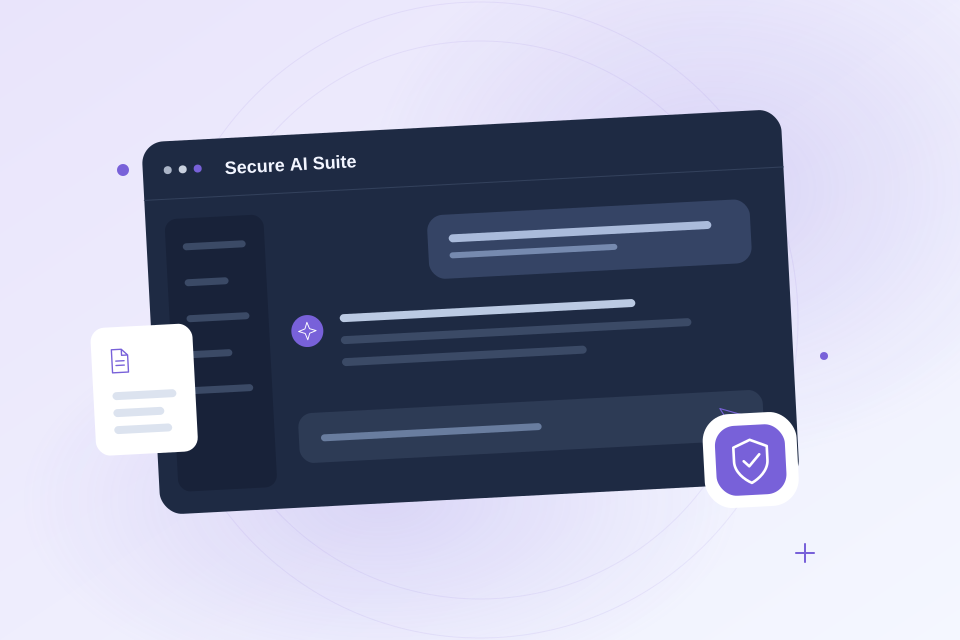
Product previews come from the product teams; the illustration shows the ShinrAI workflow. Click an image to explore.
 Integration maintained by Innovius
Write a fictional customer message and choose Preview from the ShinrAI shield control. Review the detected details and replacements, then confirm the protected message. Your administrator enables this built-in integration for your workspace.
Sign in to Secure AI Suite and open a new chat. Your administrator must have ShinrAI enabled for this deployment.
Open the ShinrAI shield control beside the message composer. Choose Preview to review replacements before sending, or Auto for automatic protection. Off sends without ShinrAI protection.
Write a short message with a fictional name and email. In Preview mode, inspect the replacements before confirming. Review the response and your deployment’s privacy policy before using real customer data.
Ask your Suite administrator to check availability and configuration. A ShinrAI cloud API key alone does not create a Suite account or configure an existing deployment.
Plan a local ShinrAI deployment with your implementation partner and use the activation guide for disconnected installations.